Description
What if, instead of simply plugging an external or internal hard drive into your working computer, you could have a file server located somewhere in your home or office? One that offers access to files for any device on the premises, taking into account security settings that you can set up?
This is the function of a NAS, or “Network Attached Storage” device. This file server does nothing except act as a go-between between the network and the hard drives. The Raspberry Pi, a super-inexpensive, low-power consumption, tiny computer, is just perfect for handling this task.
The software we will install to make this happen is called Openmediavault, or OMV for short. It’s an open-source project that is heavily developed and still getting new features regularly. OMV is the NAS software, but it all runs on the Linux operating system, which means it’s stable and very reliable. Not to mention all this software is completely free of charge.
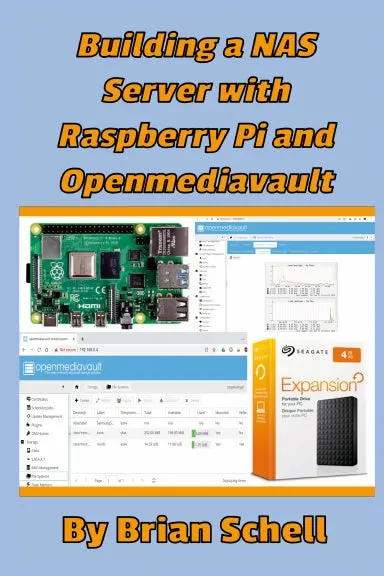
This book explains how to set up a Raspberry Pi for use as a NAS Server. We’ll look at hardware options, downloading and installing the operating system and Openmediavault software, how to configure your hard drives (either with a single hard drive or as a dual-drive RAID system), folders, and files, how to get files into the Pi from other places in the house, and how to access everything from other devices on the network using secure user accounts. It’s all you need to know and only what you need to know!
Explore more from our collection.



Reviews
There are no reviews yet.